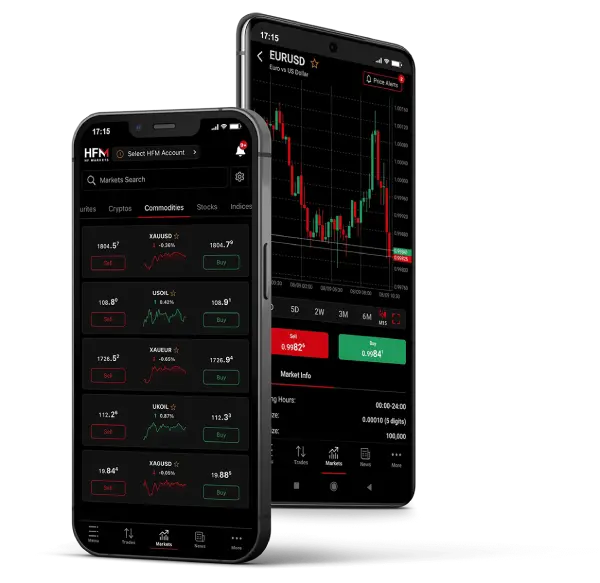
The FX Revolution starts at Zero! With no minimum opening deposit and leverage up to 1:2000, the Zero account is an accessible, swap free, low-cost trading solution that is suitable for all traders. Receive RAW, Super-Tight Spreads from leading liquidity providers with NO hidden markups and commissions starting from a low $3 per 1 lot!
Low spreads
Leverage
No markups
Swap free
| Trading Platform: | MetaTrader 4, MetaTrader 5, HFM WebTrader, Mobile Trading and HFM Platform |
| Spreads: | From 0 on Forex |
| Contract Size: | 1 lot = 100 000 units |
| Trading Instruments * | All Available (Click here to view full list) |
| Maximum Leverage: | 1:2000 |
| Execution: | Market Execution |
| Minimum opening deposit: | $0/ €0 |
| Minimum trade size: | 0.01 Lot |
| Trade size increment: | 0.01 |
| Maximum Total Trade Size: | 60 Standard lots per position |
| Maximum Simultaneous Open Orders: | 500 |
| Margin Call / Stop out level: | 50% / 20% |
| Telephone Trading: | |
| Account Currency: | USD, EUR |
| Personal Account Manager: | |
| Commission | |
| Swap free ** | Yes |
| Flexible Bonus Offerings | No |
* Raw spreads available on specific symbols
** Swap-Free applies only for specific trading instruments. Terms and Conditions apply.
For this account type, low commissions are applied as per the Commission Structures below.
All Currency Pairs Show pairs
| Trade Size | 1,000 | 10,000 | 100,000 |
|---|---|---|---|
| Round Turn | $0.06 | $0.6 | $6 |
Gold Show pairs
| Trade Size | 1 Ounce | 10 Ounces | 100 Ounces |
|---|---|---|---|
| Round Turn | $0.10 | $1.0 | $10 |
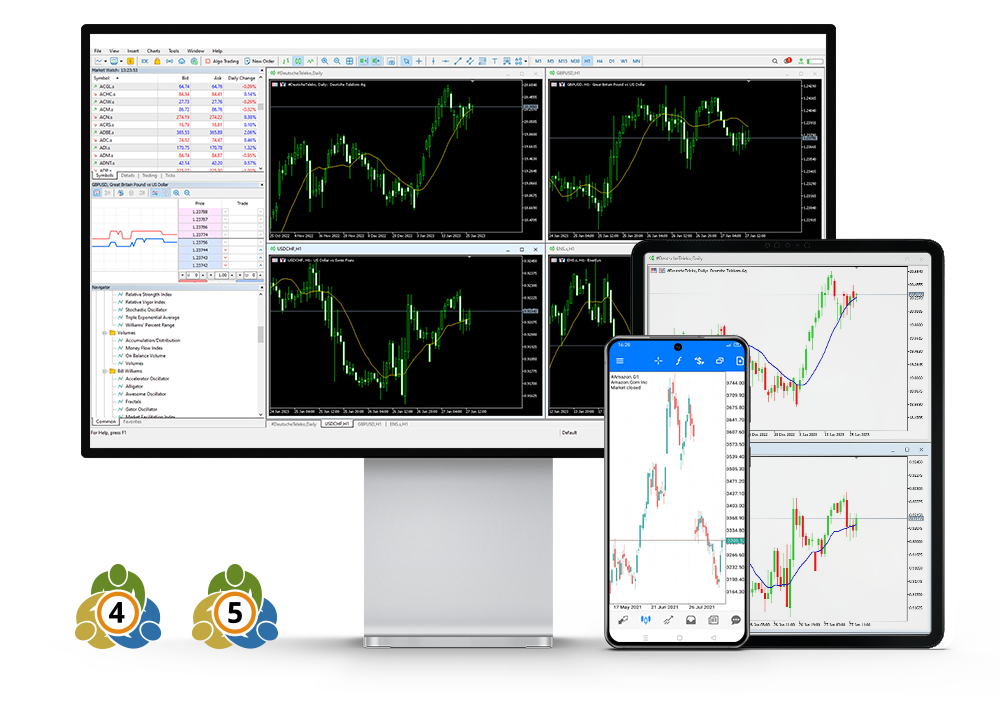
HFM offers access to a wide range of trading instruments including CFDs on Forex, Metals, Energies, Commodities, Indices, Stocks, Cryptocurrencies, ETFs and Bonds.
With no minimum opening deposit and leverage up to 1:2000, the Zero account is an accessible, swap free, low-cost trading solution that is suitable for all traders. Receive RAW, Super-Tight Spreads from leading liquidity providers with NO hidden markups and commissions starting from a low $3 per 1 lot!
The Zero account is available on HFM WebTrader via your browser, and all our MT4 and MT5 platforms on desktop, Android and iOS, as well as the HFM Platform for on the go trading!
The minimum deposit for the Zero account is $25.
Yes. In order to comply with the Islamic faith, HFM offers swap-free trading conditions on Zero account for clients who observe Sharia law.
There is no swap fee when holding overnight positions. Terms and conditions apply.
To add a symbol, go to your MetaTrader 4/5 platform, click View on the top menu, then select Market Watch. After that:
Right-click anywhere inside the Market Watch window.
Select Symbols.
Search for the instruments with your account suffix.
Select the symbol you want to add, then click Show Symbol.
To remove a symbol, make sure the chart window of that symbol is closed. Then:
Right-click on the symbol in your Market Watch.
Select Hide to remove it.
You can easily view your trading history via your Client area.
Log in to your account
Click on the gear icon next to the trading account you wish to view the history of
Choose Performance for full history
Scroll down to view your Trading Activity
Click on the Export button to download the report
Choose Trades to view the history of a specific period (up to 3 months)
Select the required Period and click on View
Click on the Export button to download the report